Enterprise AI
How to Run an LLM Locally in 2026: Ollama, LM Studio & llama.cpp
A vendor-neutral, step-by-step guide to running a large language model on your own hardware in 2026 — pick a tool, size your VRAM, download a quantized model, and chat fully offline.
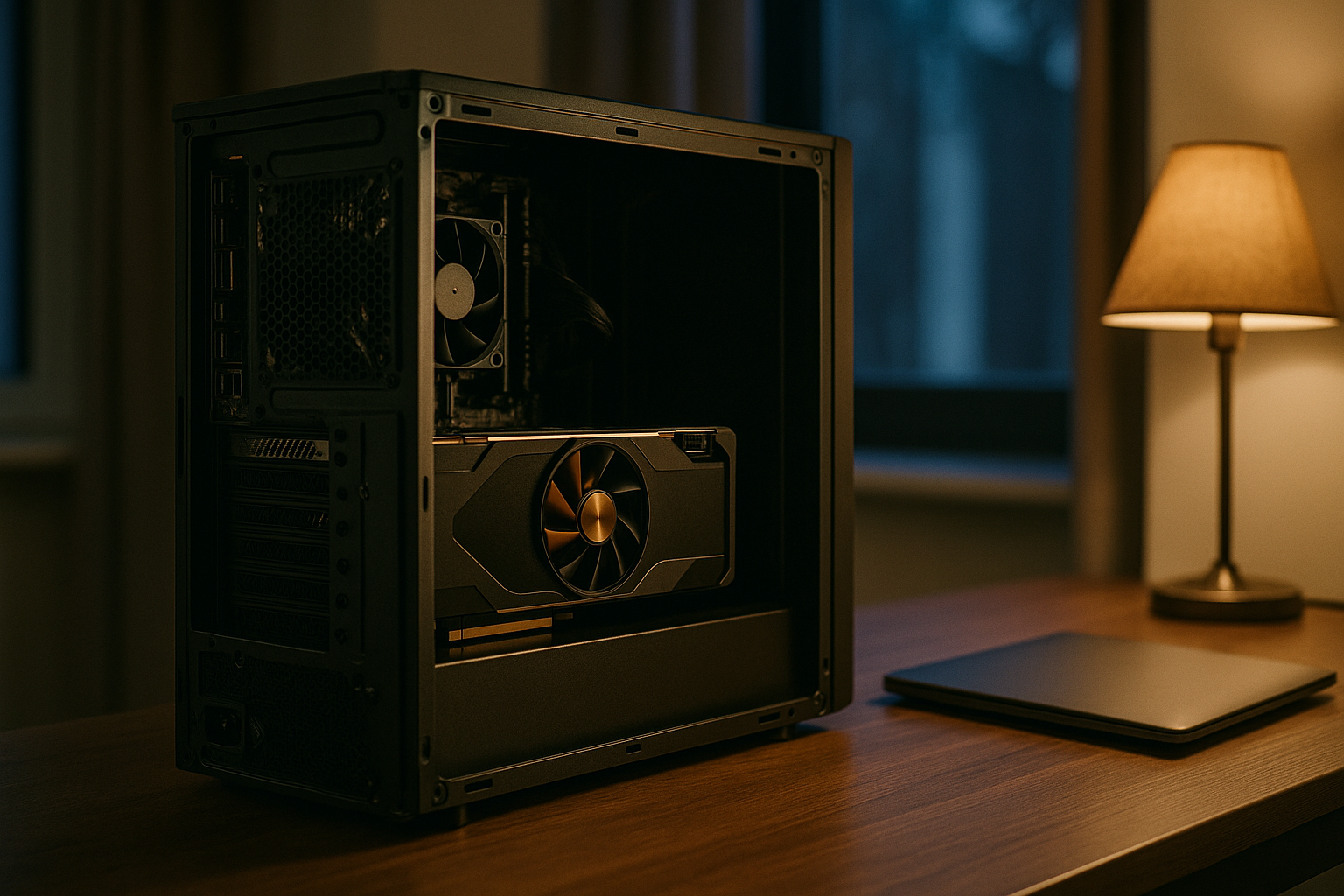
To run an LLM locally, install a local-inference tool such as Ollama, LM Studio, or llama.cpp, download an open-weight model sized to your GPU memory (a 7-8B model at 4-bit quantization fits in roughly 8 GB of VRAM), and run it entirely on your own hardware so prompts and data never leave your machine.
Running a large language model on your own machine moved from a hobbyist experiment to a mainstream option over the last two years. The reasons are practical: a cloud API sends every prompt and document to a third party, charges per token, and stops working without an internet connection. A locally run model does none of those things. This 2026 guide is vendor-neutral and tool-agnostic — it explains the three tools most people use, the memory math that actually decides what you can run, the steps to get a first model talking, and the honest tradeoffs against a hosted service.
What does it mean to run an LLM locally?
Running an LLM locally means the model weights live on your own hardware and inference happens there too, so no prompt, document, or response is sent to an external server. Instead of calling a hosted endpoint, you download an open-weight model — Meta's Llama, Alibaba's Qwen, Google's Gemma, or DeepSeek are common 2026 choices — and a local runtime loads it into your GPU memory (or an Apple Silicon Mac's unified memory) and generates tokens on the spot. The defining property is location: the data and the model are together, under your control, and the system can run with the network unplugged. That single fact is what makes local inference attractive for privacy-sensitive, regulated, or offline work.
How do I run an LLM locally, step by step?
The first-run path is short. The steps below get a model talking in minutes on a reasonably equipped laptop or desktop.
- Check your memory budget. Find your GPU's VRAM (or your Mac's unified memory). This is the number that decides which models you can run — see the table below.
- Install a runtime. Download Ollama (terminal-first) or LM Studio (graphical) for macOS, Windows, or Linux.
- Pull a quantized model. Start small. In Ollama, a single command like
ollama run llama3.2downloads a model and drops you into a chat prompt; in LM Studio you browse and one-click-download from the model catalog. - Chat and confirm performance. Watch the tokens-per-second. If generation is fast and stays on the GPU, your model fits. If it crawls, the model is spilling into system RAM and you should pick a smaller one or a more aggressive quantization.
- Wire it into your apps. Both Ollama and LM Studio expose an OpenAI-compatible API on localhost, so existing tools that speak the OpenAI format can point at your local server with a one-line base-URL change.
Which tool should I use: Ollama, LM Studio, or llama.cpp?
All three are free and run the same underlying open models — in fact Ollama and LM Studio are both built on the llama.cpp engine and the GGUF model format that Georgi Gerganov's project pioneered. The difference is how much control versus convenience you want.
| Tool | Interface | Best for | License / cost |
|---|---|---|---|
| Ollama | CLI + REST server | Developers and automated pipelines wanting one-command model management | MIT, free |
| LM Studio | Desktop GUI + local server | Non-coders and prompt experimentation through a chat window and model browser | Free for personal & work use |
| llama.cpp | Compiled C/C++ binary | Maximum control, custom build flags, and embedding inference into other software | MIT, free |
A reasonable default: start with Ollama or LM Studio, and only drop down to compiling llama.cpp yourself if you need a specific optimization or want to embed inference in your own application. Other runtimes worth knowing exist for narrower jobs — vLLM for high-throughput batched serving on data-center GPUs, and Jan or GPT4All for simple desktop use — but the three above cover the overwhelming majority of single-machine setups.
What hardware and quantization do I need?
Local inference is memory-bandwidth-bound, which means the practical question is not how fast your GPU computes but whether the model's weights fit in fast memory. The rough rule is about 2 GB per billion parameters at full 16-bit precision, halved at 8-bit, and quartered at 4-bit. Quantization is the lever: it stores weights at lower precision to cut memory and speed up generation. The community default, Q4_K_M, is a mixed-precision 4-bit format that retains roughly 97-99% of full-precision quality on perplexity benchmarks while using about a quarter of the VRAM — which is why most local setups start there.
| Model size | Approx. VRAM (Q4_K_M) | Typical hardware |
|---|---|---|
| 3-4B | ~4-6 GB | Entry laptop GPU or 8 GB card |
| 7-8B | ~6-8 GB | 8 GB GPU / 16 GB Apple Silicon |
| 13-14B | ~10-16 GB | 12-16 GB GPU |
| 27-34B | ~18-24 GB | RTX-class 24 GB card |
| 70B | ~35-48 GB | Dual 24 GB GPUs or 64 GB+ Mac |
Two caveats matter in 2026. First, the KV cache that holds your context grows with how long the conversation is, so leave headroom beyond the weight size — a long context can add several gigabytes. Second, many of the strongest open-weight models now use a Mixture-of-Experts design: a model may compute only a few billion parameters per token (fast) but still requires all of its parameters resident in VRAM, so judge memory by total size, not the advertised active count. When weights overflow VRAM into system RAM, generation can slow by roughly an order of magnitude, so it is almost always better to pick a smaller model that fits than to force a larger one. Plan on at least 32 GB of system RAM as well, since the OS, your tools, and any retrieval pipeline share that pool.
Local versus cloud: the honest tradeoffs
Local inference is not strictly better than a cloud API — they optimize for different things. A hosted model gives you instant access to the largest frontier systems with zero maintenance and a low cost to start, but your data leaves your boundary and the per-token bill scales with usage. Running locally keeps data on your machine, works offline, and removes the meter, but you carry the hardware cost, the operational burden, and the responsibility for security and updates. The capability gap has narrowed enough that for most business workloads — summarization, retrieval Q&A, classification, coding help — a well-deployed open model in the 7-30B range is competitive; the hardest frontier reasoning still favors the largest proprietary models.
For organizations, the data-control argument is often decisive. Cisco's 2024 Data Privacy Benchmark Study found more than a quarter of organizations had at least temporarily banned public generative AI over privacy and security concerns, and a majority had restricted which tools and what data employees could use. Governance frameworks such as the NIST AI Risk Management Framework are far easier to satisfy when the system sits inside your own boundary. That is the line between a personal experiment and a production deployment: a single laptop running Ollama is perfect for one developer, but a regulated team typically needs a supported, hardened, and auditable setup rather than a do-it-yourself box that one person maintains.
Where to go next
If you are choosing which model to actually download, our companion guide on the best local LLMs to run in 2026 ranks the current open-weight options by use case and hardware, and the broader local LLMs explained pillar covers the why, the economics, and the deployment spectrum from a laptop to a fully air-gapped network. The decision to run AI locally usually starts with privacy or cost — but once it becomes a system a team depends on, the question shifts from how do I run it to who keeps it running.
Frequently asked
How do I run an LLM locally for the first time?
The fastest path in 2026 is to install Ollama, an MIT-licensed wrapper around the llama.cpp inference engine, then pull a small quantized model and chat with it. On macOS, Windows, or Linux you download the installer, then run a single command such as `ollama run llama3.2` in a terminal; Ollama downloads the model, loads it onto your GPU or Apple Silicon unified memory, and gives you an interactive prompt. If you would rather not touch a terminal, LM Studio offers the same thing through a desktop app with a model browser and chat window. Both keep every prompt and response on your machine. Start with a 7-8B model to confirm your hardware copes before reaching for anything larger.
What hardware do I need to run an LLM locally?
The binding constraint is memory, not raw compute. Local inference at batch size one is memory-bandwidth-bound, so VRAM capacity decides what you can load. A rough rule of thumb is roughly 2 GB per billion parameters at FP16, halved at 8-bit and quartered at 4-bit quantization. In practice a 7-8B model in the popular Q4_K_M format fits in 8 GB of VRAM, a 13-14B model wants 12-16 GB, and a 70B model needs 35-48 GB or a multi-GPU rig. NVIDIA GPUs with CUDA are the best-supported path on Windows and Linux, while Apple Silicon Macs use unified memory as VRAM, so an M-series Mac with 64-128 GB can run models that would otherwise require a data-center GPU. Budget at least 32 GB of system RAM regardless.
Is running an LLM locally free?
The software is free and open source: Ollama and llama.cpp are both MIT-licensed, and LM Studio is free for personal and work use. The open-weight models — Meta's Llama, Alibaba's Qwen, Google's Gemma, DeepSeek and others — are downloadable at no cost, subject to each model's license terms. What you pay for is hardware and electricity. There is no per-token meter and no subscription, which is the economic case for local inference at sustained, high-volume usage: once the hardware is bought, the marginal cost of a query is just power. The tradeoff is that you own the upfront capital cost, the maintenance, and the responsibility for updates and security.
What is quantization and which level should I use?
Quantization shrinks a model by storing its weights at lower numerical precision — 8-bit, 4-bit, or lower — instead of the original 16-bit floats, cutting VRAM use and speeding up generation at a small accuracy cost. The community default is Q4_K_M, a mixed-precision 4-bit format that keeps the most sensitive layers at higher precision; on perplexity benchmarks it retains roughly 97-99% of full-precision quality while using about a quarter of the memory. Use Q4_K_M unless you have spare VRAM, in which case Q8 or full precision gains a little quality. Avoid spilling a model partly into system RAM: when weights overflow VRAM, inference can run an order of magnitude slower, so matching the model to your memory beats forcing a too-large model to fit.
Why would a business run an LLM locally instead of using a cloud API?
Control over data is the main reason. With a hosted API every prompt, document, and answer crosses into a third party's systems, which can be a compliance problem under GDPR, HIPAA, or sector data-residency rules. Cisco's 2024 Data Privacy Benchmark Study found more than a quarter of organizations had temporarily banned public generative AI over privacy and security concerns. Running the model on infrastructure you control keeps regulated or confidential data inside your boundary, works offline in air-gapped or field settings, and turns a per-token bill into a fixed cost. The price is operational: you host, secure, monitor, and update the system yourself, and a do-it-yourself setup is not the same as a supported, production-grade deployment for a whole team.
Can a locally run LLM match cloud models like GPT or Claude?
For many everyday tasks, yes — and the gap has narrowed sharply through 2026. Open-weight models you can run locally now perform competitively on summarization, retrieval-augmented question answering, classification, and coding assistance. The very largest proprietary frontier models still lead on the hardest reasoning benchmarks, and matching them locally requires serious multi-GPU hardware. But for a typical business workload, a well-chosen open model in the 7-30B range running over clean, well-retrieved data is competitive, and it keeps that data on your own machine. The practical limiter is usually your hardware and the quality of your data pipeline, not the raw capability of the model itself.
Sources
- Ollama / GitHub — Ollama — Get up and running with local LLMs (MIT license)
- Ollama — OpenAI compatibility
- LM Studio — LM Studio Documentation
- ggml-org / GitHub — llama.cpp — LLM inference in C/C++ (MIT license)
- Cisco — More than 1 in 4 Organizations Banned Use of GenAI Over Privacy and Data Security Risks
- Hugging Face — The Best Open Source and Open-Weight LLM Models to Run Locally in 2026
- NIST — AI Risk Management Framework