Enterprise AI
On-Premise AI in 2026: The Complete Guide to Running Enterprise AI Behind Your Own Firewall
On-premise AI runs models on hardware your organization controls instead of a public cloud. Here is what it means in 2026, how it compares to cloud AI, what it costs, and when it is the right call.
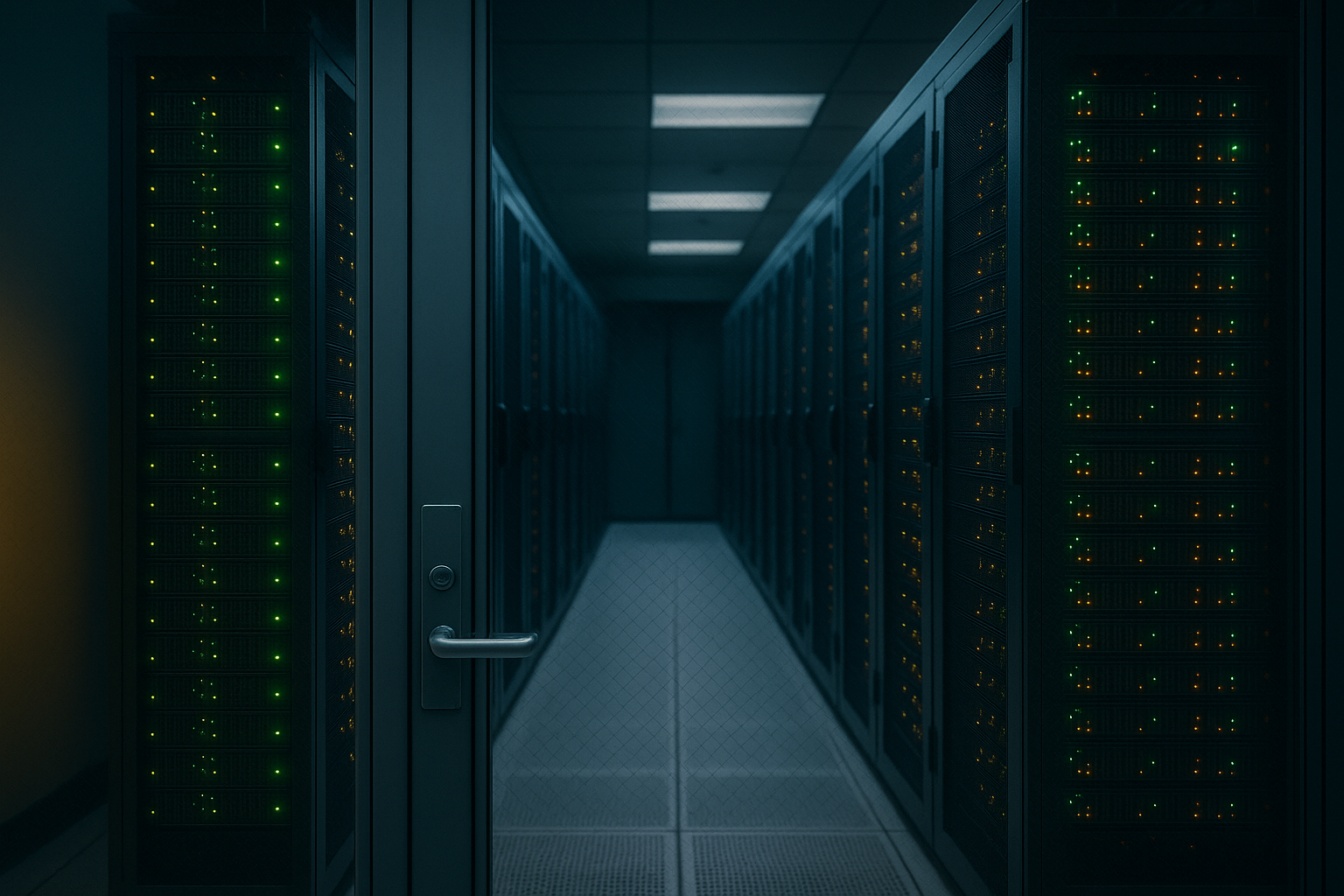
On-premise AI runs AI models on computing hardware an organization owns or exclusively controls, inside its own data center, so the models and the data they process stay behind its firewall instead of being sent to a public cloud. The defining quality is control over where the compute physically sits and where the data goes.
For two years the enterprise AI conversation was dominated by the public cloud, where a single API call buys access to a frontier model. That convenience created a quieter problem for a large class of organizations: every prompt, document, and answer travels through someone else's infrastructure. For a hospital, a bank, a defense contractor, or any team handling regulated or proprietary data, that can be a compliance violation or the leak of the company's most valuable asset. On-premise AI is the architectural response — and in 2026 it is more practical, and more economically defensible, than it has ever been. This pillar guide defines the term, compares it honestly with cloud, walks through real 2026 costs, and links to the deeper cluster pages below.
What is on-premise AI?
On-premise AI is any deployment where the AI models and the inference that runs them live on hardware the organization controls, physically located in its own facilities, rather than on a public cloud provider's shared servers. Concretely that means GPU servers in your own data center running open-weight language models, fed by your own documents through a retrieval layer you govern. The opposite is cloud AI, a hosted service where you send a request over the internet and the provider's model, on the provider's infrastructure, returns the answer. With on-premise AI, privacy and data residency are not vendor promises you accept — they are properties of where the system physically sits and who administers it. That control is the entire point, and it comes with the trade that hosting, securing, patching, and scaling the system become the organization's own job rather than a provider's.
On-premise AI vs cloud AI: the real tradeoffs
Neither model is universally better; they optimize for different constraints. Cloud AI trades data control for convenience, elastic scale, and instant access to the most capable proprietary models. On-premise AI trades convenience for control, compliance fit, offline capability, and predictable economics at sustained volume. The table below maps the dimensions that actually drive the deployment decision.
| Dimension | Cloud AI | On-premise AI |
|---|---|---|
| Where data goes | To the provider's servers | Stays inside your environment |
| Infrastructure | Provider's multi-tenant cloud | Hardware you own and operate |
| Cost shape | Per token / per GPU-hour, scales with use | Upfront capex + fixed ops; cheaper at high utilization |
| Time to start | Minutes (an API key) | Weeks to months (procure + deploy) |
| Maintenance | Provider handles it | You (or an integrator) operate it |
| Offline / air-gap capable | No | Yes |
| Best for | Low-sensitivity, bursty, general tasks | Regulated, confidential, offline, or high-volume work |
In practice most enterprises do not pick one. They run a hybrid: public cloud models for low-risk, general-purpose tasks, and on-premise deployments for anything touching regulated, classified, or proprietary data — a decision made per workload, not once for the whole company. For a fuller treatment of the deployment continuum, see our field guide to private AI, which places on-prem on the spectrum from private cloud to fully air-gapped.
What does on-premise AI cost in 2026?
The biggest misconception about on-premise AI is that owning hardware is automatically cheaper than paying a cloud bill. The honest answer in 2026 is: it depends entirely on utilization. The compute centers on GPUs. According to CloudZero's 2026 pricing analysis, an NVIDIA H100 costs roughly $25,000–$30,000 for the PCIe 80GB card and $35,000–$40,000 for the SXM5 variant, and a real inference node uses several of them on top of servers, networking, power, cooling, and the staff to run it. The same analysis puts on-demand cloud rental of an H100 at a market median of roughly $2.29–$3.12 per GPU-hour, with specialized GPU clouds reaching as low as ~$1.38/hr and the hyperscalers running $8/hr or more — a price spread of more than 20x across providers.
The math turns on how busy the hardware stays. A single owned H100 amortized over three years works out to a few dollars an hour only if it runs near continuously; a GPU sitting idle is the most expensive compute there is. So low, spiky usage favors paying cloud rates and never owning the idle time, while steady, high-utilization workloads — always-on assistants, batch document processing, high-volume RAG — can make owned hardware materially cheaper because there is no per-token meter. Before committing, model your real read and write volume and your expected GPU utilization. Our deeper on-premise AI cost and TCO breakdown walks through a three-year model with the full line items.
Why on-premise AI matters more in 2026
Three forces have pushed on-prem from niche to mainstream consideration this year. Open-weight models closed the capability gap. The strongest downloadable models — Meta's Llama family, Mistral's releases, DeepSeek, and Qwen — now trail the proprietary frontier by months, not years, and for the bulk of enterprise work (summarization, classification, retrieval question-answering, standard coding) they are entirely sufficient. Lightweight serving tools such as Ollama and vLLM make running them routine. Regulation tightened. Under the EU AI Act, governance and general-purpose-AI obligations became applicable on 2 August 2025 and transparency rules reach full applicability on 2 August 2026 — documentation and control duties that are far simpler to meet when the system lives inside your own boundary. The Schrems II ruling combined with the US CLOUD Act has, for many EU buyers, made self-hosting the only architecture with no foreign-provider data exposure at all. Adoption went broad. McKinsey's State of AI research finds the share of organizations using AI in at least one business function has climbed past three-quarters, which means far more teams are now hitting the data-sensitivity and cost walls that on-prem answers.
Who should deploy AI on premise?
On-premise AI earns its added complexity in two situations: a hard data constraint, or a heavy, predictable workload. The market reflects this — analysts at Mordor Intelligence still show cloud as the dominant deployment mode while a substantial on-premise segment persists, concentrated in regulated and data-sovereign settings. The fit decision generally breaks down as follows.
| Your situation | Better default | Why |
|---|---|---|
| Regulated / classified data | On-premise (often air-gapped) | Data legally cannot leave your boundary |
| High, steady inference volume | On-premise or reserved capacity | No per-token meter; hardware stays utilized |
| Offline / disconnected sites | On-premise | No reliable internet to a cloud API |
| Low, bursty, low-sensitivity use | Cloud | Pay only for what you use; no idle hardware |
| Need the very latest frontier model fast | Cloud | Instant access without procurement |
The common thread for on-prem adopters is that the cloud's convenience is outweighed by a constraint it cannot satisfy — a regulator, a threat model, an offline environment, or a cost curve that only bends in your favor when you stop renting.
How to evaluate an on-premise AI approach
When assessing on-prem, weigh five things. First, the deployment model: does it meet your data-residency and, where required, air-gap needs? (When even a managed outbound link is unacceptable, you are in air-gapped AI territory; purpose-built packaged options such as AirgapAI, originally engineered for disconnected military operations, can compress the security certification timeline significantly for organizations that require fully local, offline-capable deployment.) Second, the models and tooling: can it run and update capable open-weight models on hardware you can actually source? Our guide to private LLMs and self-hosted AI covers the model landscape in depth. Third, the platform layer: are you assembling GPUs, orchestration, retrieval, and policy yourself, or adopting a packaged stack? See what an on-premise AI platform actually includes. Fourth, the data layer: how your source documents are cleaned, governed, and retrieved is the single biggest driver of real-world accuracy. Fifth, total cost of ownership at your genuine utilization, not a vendor's idealized one. Get those five right and, for most enterprise tasks, a well-deployed on-premise system over clean, governed data is competitive with the cloud — and it keeps your data exactly where regulation, security, and good sense say it belongs.
Frequently asked
What is on-premise AI?
On-premise AI is artificial intelligence that runs on computing hardware an organization owns or exclusively controls, inside its own data center or facility, rather than on a public cloud provider's shared infrastructure. The model weights, the inference servers, and the data they process all stay behind the organization's firewall, so prompts and documents never leave its trust boundary. In practice that usually means GPU servers running open-weight language models, fed by the company's own governed data. The defining property is location and control: the compute is physically on-site and administered by the organization, which keeps data residency, security, and uptime as the organization's own responsibility rather than a vendor's. It is the deployment most associated with regulated industries and offline or sovereignty-constrained environments.
Can AI be deployed on premise?
Yes. As of 2026, deploying capable AI on premise is straightforward because the strongest open-weight models can be downloaded and run on your own hardware. Models such as Meta's Llama 4, Mistral's releases, DeepSeek, and Qwen are distributed under permissive licenses and run on enterprise GPU servers; lightweight tooling like Ollama and vLLM lets teams pull and serve a model with a single command. A small model can run on one workstation GPU, while larger models need a multi-GPU node or cluster. The harder part is rarely the model — it is provisioning GPUs, building a governed retrieval layer over your own documents, and operating the system reliably. But the core question shifted from 'can you?' to 'should you?', which depends on volume, utilization, and compliance.
What is the difference between on-premise AI and cloud AI?
Cloud AI is delivered as a service over the internet: you send a prompt to a provider's servers, the provider's model returns a response, and the provider owns the infrastructure and any data handling. On-premise AI inverts that — the model runs on hardware you control, so data never leaves your environment and you administer the whole stack. Cloud AI wins on speed to start, elastic scale, zero maintenance, and instant access to frontier models. On-premise AI wins on data control, regulatory fit, offline operation, and predictable cost at sustained volume, in exchange for upfront hardware spend and operational responsibility. Most enterprises run a hybrid: cloud for low-sensitivity, bursty work and on-premise for regulated, confidential, or always-on high-volume workloads.
How much does on-premise AI cost in 2026?
On-premise AI front-loads cost into hardware and operations rather than metering per request. In 2026 an NVIDIA H100 GPU costs roughly $25,000–$30,000 (PCIe) to $35,000–$40,000 (SXM5), and a serious inference node typically uses several of them plus servers, networking, power, cooling, and staff. Against that, renting an equivalent H100 in the cloud runs a market median of roughly $2.29–$3.12 per GPU-hour on demand, though rates range from about $1.38/hr on specialized GPU clouds to $8/hr or more on the hyperscalers. The economics flip on utilization: low, bursty usage favors paying cloud rates, while steady, high-utilization workloads can make owned hardware materially cheaper over a multi-year horizon because there is no per-token meter. Model your own read and write volume and expected GPU utilization before committing — the intuition that owning is always cheaper is frequently wrong at low utilization.
Why do regulated industries choose on-premise AI?
Regulated organizations choose on-premise AI when sending data to a third-party model is legally, contractually, or competitively unacceptable. Healthcare providers handling protected health information, banks bound by data-residency and audit rules, defense and intelligence agencies working with classified material, and legal teams with privileged documents often cannot let that data cross into an external service. Running AI on premise keeps the data inside an audited, controlled boundary while still applying modern models to it. Regulation reinforces this: frameworks like the EU AI Act add documentation and transparency duties that are far easier to satisfy when the system sits inside your own environment, and legal rulings such as Schrems II combined with the US CLOUD Act push EU enterprises toward architectures with no foreign-provider exposure at all.
Is on-premise AI the same as air-gapped AI?
No — air-gapped AI is the strictest subset of on-premise AI. On-premise means the compute lives on hardware you control, but that hardware can still be connected to the internet or a corporate network for updates, monitoring, or remote access. Air-gapped means the system has no network connection out at all: nothing can egress, and updates arrive only through controlled physical media. Every air-gapped deployment is on-premise, but not every on-premise deployment is air-gapped. Air-gapping is the standard for classified, defense, and the most sensitive regulated workloads, where even a managed outbound connection is an unacceptable risk. Choosing between them is a question of how much residual network exposure your threat model and regulators will tolerate.
Sources
- CloudZero — H100 GPU Cost In 2026: Buy, Rent, And Cloud Pricing Compared
- European Commission — AI Act — Regulatory framework for AI
- McKinsey & Company — The State of AI: Global Survey
- Mordor Intelligence — Enterprise AI Market — Share, Trends & Size
- Meta AI — Llama open models